Best Time Management Apps for Students (2026): 20 Apps to Study Smarter and Stay Organised
Introduction
Managing lectures, assignments, revision, part-time jobs, and personal commitments can be overwhelming for university students. Without effective time management, it's easy to miss deadlines, procrastinate, or experience unnecessary stress.
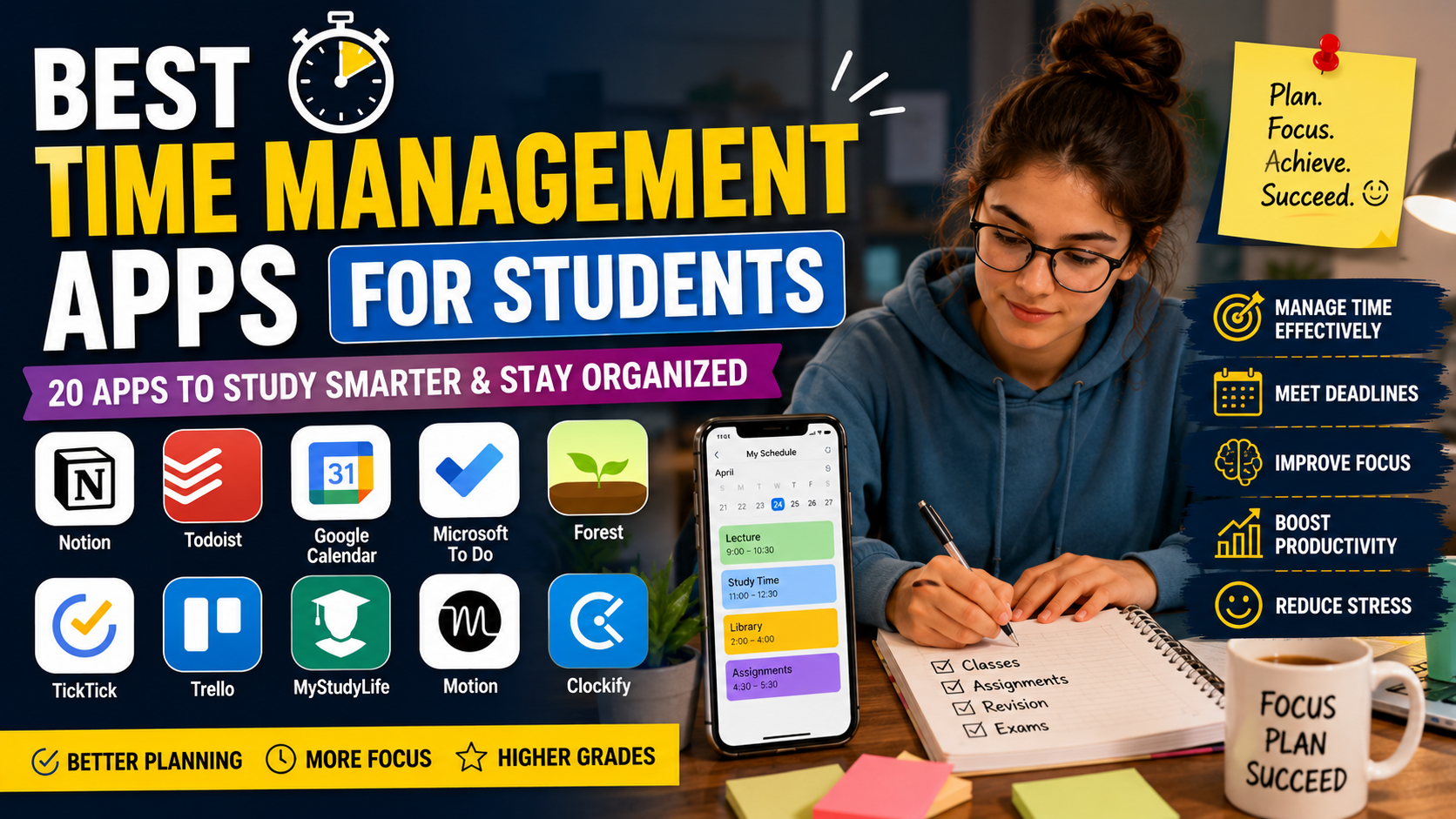
Fortunately, there are many apps designed to help students organise their schedules, track assignments, improve focus, and build productive study habits.
Whether you're studying in the UK, completing a dissertation, or preparing for exams, this guide reviews the best time management apps for students in 2026.
Quick Comparison Table
App | Best For | Free Version | Platform |
|---|---|---|---|
Notion | Planning & organisation | ✅ | Web, Windows, Mac, iOS, Android |
Todoist | Task management | ✅ | All Platforms |
Google Calendar | Scheduling | ✅ | Web & Mobile |
Microsoft To Do | Daily planning | ✅ | Windows, Mac, Mobile |
Forest | Focus sessions | Paid | iOS & Android |
Trello | Project management | ✅ | Web & Mobile |
TickTick | Productivity | ✅ | All Platforms |
MyStudyLife | Student timetable | ✅ | All Platforms |
Motion | AI scheduling | Paid | Web |
Clockify | Time tracking | ✅ | Web & Mobile |
Why Students Need Time Management Apps
A good productivity app can help you:
Plan assignments effectively
Never miss deadlines
Balance study and work
Reduce procrastination
Improve focus
Manage revision schedules
Track long-term dissertation progress
Reduce academic stress
1. Notion
Best For
Complete academic organisation
Key Features
Assignment planner
Study dashboard
Dissertation tracker
Lecture notes
Goal tracking
Database templates
Pros
✔ Highly customisable
✔ Free student templates
✔ Excellent collaboration
Cons
✘ Learning curve for beginners
2. Google Calendar
Google Calendar helps students organise lectures, assignment deadlines, meetings, and exams.
Best Features
Automatic reminders
Colour-coded subjects
Shared calendars
Recurring events
Mobile notifications
3. Todoist
Todoist makes it easy to organise daily study tasks.
Perfect for:
Assignment checklists
Daily goals
Coursework reminders
Exam preparation
4. Microsoft To Do
Ideal for students already using Microsoft Office.
Features include:
Smart task lists
Reminders
Due dates
Cross-device syncing
5. Forest
Forest uses a unique focus timer.
When you stay focused, your virtual tree grows.
If you leave the app, your tree dies.
Perfect for reducing phone distractions.
6. TickTick
TickTick combines:
Calendar
To-do list
Habit tracker
Pomodoro timer
into one productivity app.
7. Trello
Trello uses Kanban boards.
Students can create boards for:
Dissertation
Coursework
Group projects
Revision
8. MyStudyLife
Designed specifically for students.
Track:
Classes
Exams
Homework
Semester schedules
9. Motion
Motion uses AI to automatically organise your calendar and prioritise tasks based on deadlines.
10. Clockify
Track how long you spend:
Researching
Reading
Writing
Revising
Editing assignments
11. Google Keep
Simple note-taking with reminders and colour-coded notes.
12. Evernote
Store research notes, lecture summaries, PDFs, and web clippings in one place.
13. OneNote
Microsoft OneNote is excellent for organising lecture notes and handwritten annotations.
14. Focus To-Do
Combines Pomodoro sessions with task management.
15. Pomofocus
A minimalist Pomodoro timer that encourages focused study intervals.
16. Habitica
Turns productivity into a game by rewarding you for completing study tasks and habits.
17. Any.do
Combines daily planning, reminders, and calendar management.
18. Structured
A visual daily planner ideal for students who prefer timeline-based scheduling.
19. Sunsama
Designed for planning realistic daily workloads and preventing burnout.
20. RescueTime
Automatically tracks how you spend time on your computer, helping you identify distractions and improve productivity.
Best Time Management Apps by Category
Category | Winner |
|---|---|
Best Overall | Notion |
Best Free App | Google Calendar |
Best Assignment Planner | Todoist |
Best Focus App | Forest |
Best AI Scheduler | Motion |
Best Time Tracker | Clockify |
Best Student Planner | MyStudyLife |
Best Group Projects | Trello |
Best Habit Builder | Habitica |
Best Dissertation Planning | Notion |
Tips for Better Time Management
Even the best apps work only when paired with good study habits.
Plan your week every Sunday.
Break large assignments into smaller tasks.
Use calendar reminders for deadlines.
Follow the Pomodoro Technique (25 minutes of focused work followed by a 5-minute break).
Prioritise important tasks before urgent ones.
Review your progress weekly and adjust your schedule.
Final Thoughts
Time management is one of the most valuable skills for academic success. The right app won't complete your assignments for you, but it can help you stay organised, meet deadlines, reduce stress, and make better use of your study time.
If you're looking for an all-in-one solution, Notion is an excellent choice for planning and organisation. Google Calendar is ideal for scheduling, Todoist keeps daily tasks on track, Forest improves concentration, and Clockify helps you understand how you spend your study time. By combining a few of these apps with consistent study habits, you'll be better equipped to manage coursework, exams, and dissertations throughout your university journey.
Frequently Asked Questions
Everything you need to know about our services


