Best Note-Taking Apps in 2026: Organize Your Ideas, Notes, and Productivity
Introduction
Whether you're a student, professional, researcher, or content creator, having the right note-taking app can significantly improve your productivity.
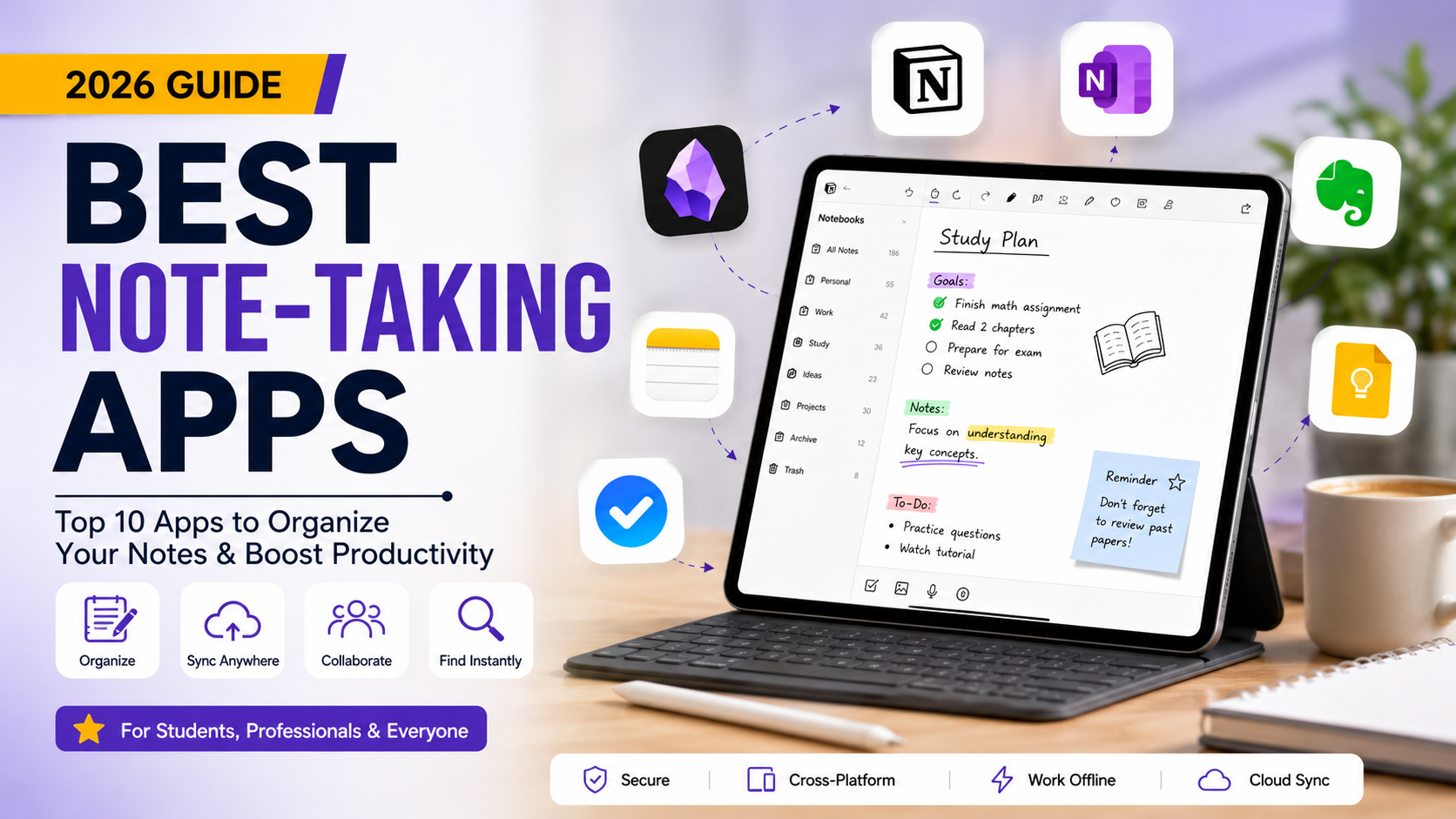
Modern note-taking applications go beyond simple text editors—they offer cloud syncing, AI-powered summaries, collaboration, handwriting support, task management, and seamless integration with your favorite tools.
In this guide, we'll explore the best note-taking apps available today, comparing their features, pricing, and ideal use cases to help you choose the perfect digital notebook.
Why Use a Note-Taking App?
A good note-taking app helps you:
-
Organize ideas efficiently
-
Sync notes across devices
-
Search notes instantly
-
Collaborate with teammates
-
Store images, PDFs, and files
-
Create to-do lists and reminders
-
Increase productivity with AI features
Whether you're taking lecture notes, planning projects, or writing research papers, these apps can simplify your workflow.
Top 10 Best Note-Taking Apps
1. Notion
Best For: All-in-One Productivity
Notion combines note-taking, project management, databases, calendars, and collaboration into a single workspace. Its flexibility makes it one of the most popular productivity platforms available.
Key Features
-
Rich text editor
-
Databases and tables
-
Templates
-
AI writing assistant
-
Team collaboration
-
Calendar integration
Pros
-
Highly customizable
-
Excellent collaboration
-
Powerful organization tools
Cons
-
Learning curve for beginners
Free Plan: ✅ Yes
2. Microsoft OneNote
Best For: Students & Microsoft Users
OneNote mimics a digital notebook with sections and pages. It's perfect for organizing lecture notes and integrates seamlessly with Microsoft Office.
Key Features
-
Handwritten notes
-
Audio recording
-
Drawing tools
-
Cloud synchronization
-
OCR image recognition
Pros
-
Completely free
-
Great for handwritten notes
-
Excellent organization
Cons
-
Interface feels outdated
Free Plan: ✅ Yes
3. Evernote
Best For: Professional Note Organization
Evernote remains one of the strongest note management tools with excellent search capabilities.
Key Features
-
Web clipper
-
PDF annotation
-
Task management
-
AI-powered search
-
Calendar integration
Pros
-
Powerful search
-
Reliable synchronization
-
Great web clipping
Cons
-
Limited free plan
Free Plan: Limited
4. Obsidian
Best For: Knowledge Management
Obsidian stores notes as Markdown files and creates a network of linked ideas, making it ideal for researchers and writers.
Key Features
-
Local storage
-
Graph view
-
Markdown support
-
Plugins
-
Knowledge linking
Pros
-
Privacy focused
-
Extremely customizable
-
Fast performance
Cons
-
Collaboration requires plugins
Free Plan: ✅ Yes
5. Google Keep
Best For: Quick Notes
Google Keep is a lightweight app perfect for reminders, shopping lists, and quick brainstorming.
Key Features
-
Sticky notes
-
Voice notes
-
Color labels
-
Image notes
-
Google Workspace integration
Pros
-
Very simple
-
Fast synchronization
-
Completely free
Cons
-
Limited formatting options
Free Plan: ✅ Yes
6. Apple Notes
Best For: Apple Ecosystem
Apple Notes offers excellent performance for iPhone, iPad, and Mac users with seamless iCloud synchronization.
Key Features
-
Handwriting support
-
Smart folders
-
Password protection
-
Document scanning
-
Quick Notes
Pros
-
Built into Apple devices
-
Secure
-
Fast syncing
Cons
-
Limited on Windows
Free Plan: ✅ Yes
7. Simplenote
Best For: Minimalist Writing
Simplenote focuses on distraction-free note-taking with instant syncing.
Key Features
-
Markdown support
-
Version history
-
Cross-platform
-
Tag organization
Pros
-
Lightweight
-
Free forever
-
Easy to use
Cons
-
Basic formatting only
Free Plan: ✅ Yes
8. Bear
Best For: Creative Writers
Bear offers an elegant writing experience with Markdown support and beautiful typography.
Key Features
-
Tags
-
Markdown
-
Export options
-
Focus mode
-
Apple ecosystem
Pros
-
Beautiful interface
-
Excellent writing experience
Cons
-
Apple devices only
Free Plan: Limited
9. Joplin
Best For: Privacy & Open Source
Joplin is an open-source note-taking application offering complete control over your data.
Key Features
-
End-to-end encryption
-
Markdown
-
Offline access
-
Cloud sync
-
Web clipper
Pros
-
Open source
-
Secure
-
Free
Cons
-
Basic interface
Free Plan: ✅ Yes
10. Zoho Notebook
Best For: Personal Organization
Zoho Notebook provides visually appealing notebooks with multimedia support.
Key Features
-
Note cards
-
Audio notes
-
Sketches
-
Cloud sync
-
Cross-platform
Pros
-
Attractive design
-
Completely free
-
Easy organization
Cons
-
Fewer integrations
Free Plan: ✅ Yes
Comparison Table
How to Choose the Best Note-Taking App
Consider these factors before selecting an app:
Device Compatibility
Ensure it supports Windows, macOS, Android, iPhone, and web access if needed.
Collaboration
Choose apps like Notion or OneNote if you frequently work with teams.
AI Features
Some apps now offer:
-
AI summaries
-
Content generation
-
Smart search
-
Writing assistance
Offline Access
Apps like Obsidian and Joplin allow you to work without an internet connection.
Storage
Check whether notes are stored locally, on the cloud, or both.
Which App Is Best for Students?
Top recommendations include:
-
OneNote – Best for lecture notes
-
Notion – Best for study planning
-
Google Keep – Best for reminders
-
Obsidian – Best for research
-
Evernote – Best for document organization
Final Thoughts
The best note-taking app depends on your workflow and preferences. If you're looking for an all-in-one productivity solution, Notion is a fantastic choice. Microsoft OneNote excels for students, while Obsidian is ideal for knowledge management and research. For quick everyday notes, Google Keep offers simplicity and speed.
No matter your needs, choosing the right note-taking app can help you stay organized, improve productivity, and ensure your ideas are always accessible.
Frequently Asked Questions
Everything you need to know about our services

