Best Citation Generators (2026): 15 Free & Paid Tools for Accurate Academic Referencing
Introduction
Correct referencing is an essential part of academic writing. Whether you're preparing an essay, dissertation, research paper, or report, citing your sources accurately demonstrates academic integrity, supports your arguments, and helps you avoid plagiarism.
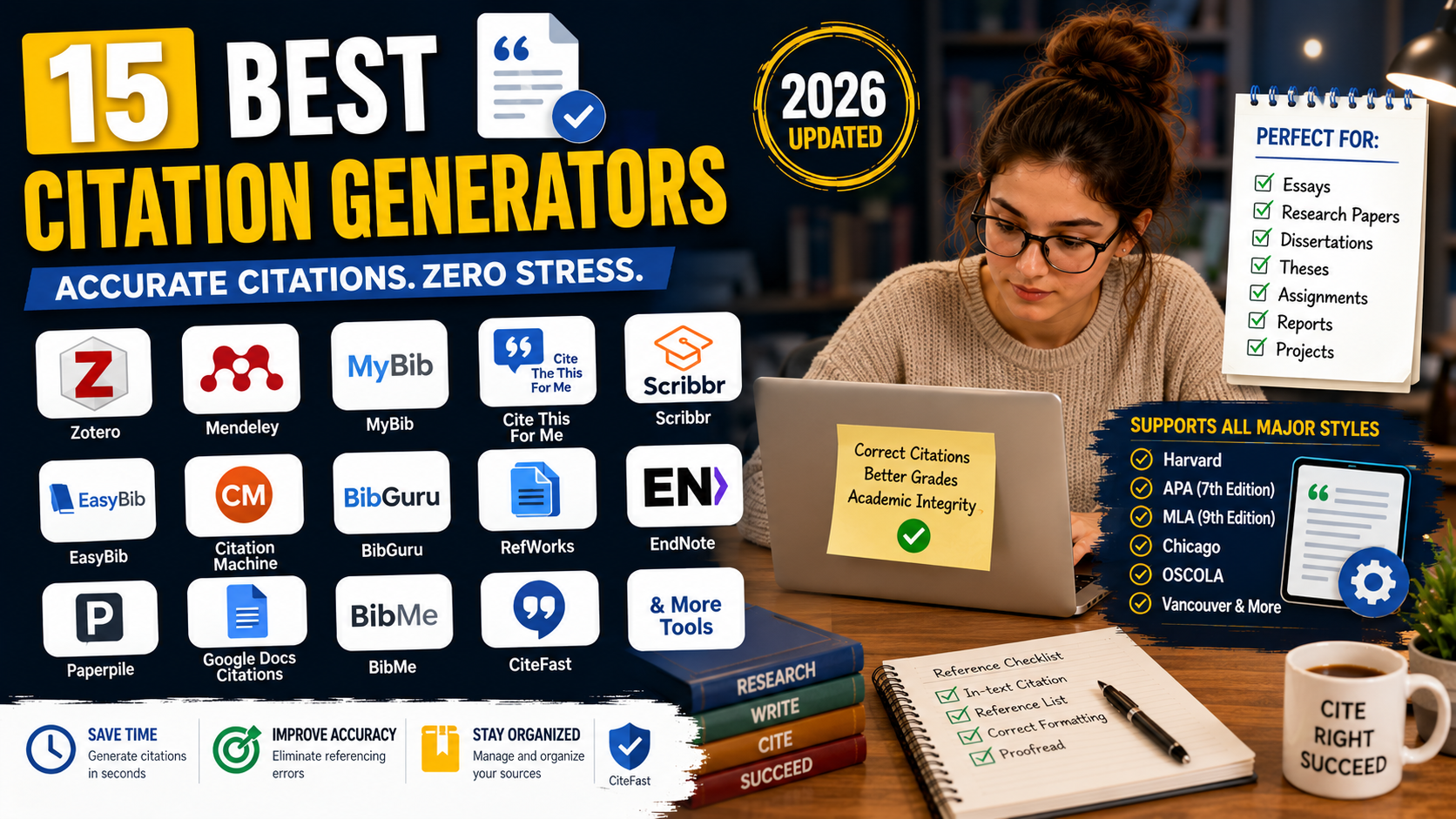
Creating citations manually can be time-consuming, especially when using styles such as Harvard, APA, MLA, Chicago, or OSCOLA. Fortunately, citation generators can automate much of the process.
This guide compares the best citation generators available in 2026, highlighting their features, advantages, limitations, and the types of students who will benefit most from each tool.
Quick Comparison Table
Citation Generator | Best For | Free Version | Supported Styles |
|---|---|---|---|
Zotero | Reference management | ✅ | 10,000+ |
Mendeley Cite | Research projects | ✅ | 10,000+ |
Cite This For Me | Quick citations | ✅ | Harvard, APA, MLA, Chicago & more |
Scribbr Citation Generator | Accurate referencing | ✅ | APA, MLA, Chicago |
MyBib | Completely free citations | ✅ | Harvard, APA, MLA & more |
BibGuru | Simple citation creation | ✅ | Multiple styles |
EasyBib | Student essays | Limited | APA, MLA, Chicago |
Citation Machine | Fast bibliography creation | Limited | Multiple styles |
EndNote | Advanced researchers | Paid | 7,000+ |
RefWorks | University users | Paid | Thousands |
Why Citation Generators Matter
Citation generators can help students:
Save time creating references.
Reduce formatting errors.
Organise academic sources.
Generate bibliographies automatically.
Support multiple referencing styles.
Improve consistency across assignments.
Remember, automatically generated citations should always be reviewed against your university's preferred referencing guide.
1. Zotero
Best For
Students and researchers managing large numbers of references.
Key Features
Free reference manager
Browser extension
PDF organisation
Automatic bibliography generation
Microsoft Word integration
Pros
Free
Supports thousands of citation styles
Excellent for dissertations and research projects
Cons
Cloud storage is limited on the free plan
2. Mendeley Cite
Mendeley combines reference management with citation generation and PDF organisation.
Ideal for postgraduate students and researchers.
3. MyBib
MyBib is a completely free citation generator that supports multiple referencing styles without requiring a subscription.
4. Cite This For Me
Popular among university students for generating references quickly.
Supports:
Harvard
APA
MLA
Chicago
OSCOLA
Vancouver
5. Scribbr Citation Generator
Scribbr provides accurate citation tools alongside detailed referencing guides, making it particularly useful for students who are still learning citation rules.
6. BibGuru
BibGuru offers a clean interface and supports many citation styles for books, journal articles, websites, reports, and more.
7. EasyBib
EasyBib is widely used for creating citations in APA, MLA, and Chicago formats.
8. Citation Machine
Allows users to generate citations quickly by searching for books, websites, journal articles, and other source types.
9. EndNote
A professional reference management solution commonly used by universities and research institutions.
Best suited to postgraduate research and academic publishing.
10. RefWorks
Cloud-based citation management software often provided through university library subscriptions.
11. Paperpile
Designed for researchers who work extensively with Google Docs and Google Drive.
12. BibMe
Generates references for books, journals, websites, and multimedia sources in several citation styles.
13. CiteFast
A lightweight, free citation generator with support for common referencing styles.
14. RefME Alternatives
Although RefME has been discontinued, many students have switched to MyBib, Zotero, and Mendeley as modern alternatives.
15. Google Docs Citation Tool
Google Docs includes a built-in citation feature that supports common styles such as APA, MLA, and Chicago, making it convenient for collaborative writing.
Best Citation Generators by Category
Category | Recommended Tool |
|---|---|
Best Overall | Zotero |
Best Free Option | MyBib |
Best for Harvard Referencing | Cite This For Me |
Best for APA Style | Scribbr Citation Generator |
Best for Research Projects | Mendeley Cite |
Best Premium Tool | EndNote |
Best for Google Docs | Paperpile |
Best Built-in Option | Google Docs Citation Tool |
Manual Referencing vs Citation Generators
Manual Referencing | Citation Generator |
|---|---|
Greater control | Faster |
Time-consuming | Saves time |
Lower automation | Automatic bibliography |
Useful for learning | Useful for efficiency |
The best approach is to use a citation generator to create the initial reference, then compare it with your university's official referencing guide.
Tips for Using Citation Generators Correctly
Always verify automatically generated references.
Use your university's preferred referencing style.
Check capitalisation, punctuation, and italics.
Include page numbers where required.
Keep your reference list consistent.
Update citations if source details change.
Final Thoughts
Citation generators are valuable tools for improving efficiency and reducing formatting errors in academic writing. Whether you're writing a short essay or a lengthy dissertation, they can save time and simplify the referencing process.
For most students, Zotero offers the best balance of reference management and citation generation. MyBib is an excellent free alternative for quick referencing, while Mendeley Cite is ideal for larger research projects. Whatever tool you choose, always review automatically generated citations to ensure they comply with your university's preferred referencing style and academic integrity requirements.
Frequently Asked Questions
Everything you need to know about our services
Related Posts

Best Referencing Tools for UK Students (2026 Complete Guide)

Harvard Referencing Examples for Common Sources (2026 Guide)
