Best Assignment Planning Tools (2026 Complete Guide)
Introduction
Planning is one of the most important factors in academic success. Whether you're writing a short essay, completing a group project, or working on a dissertation, effective planning helps you stay organised, manage deadlines, reduce stress, and submit higher-quality assignments.
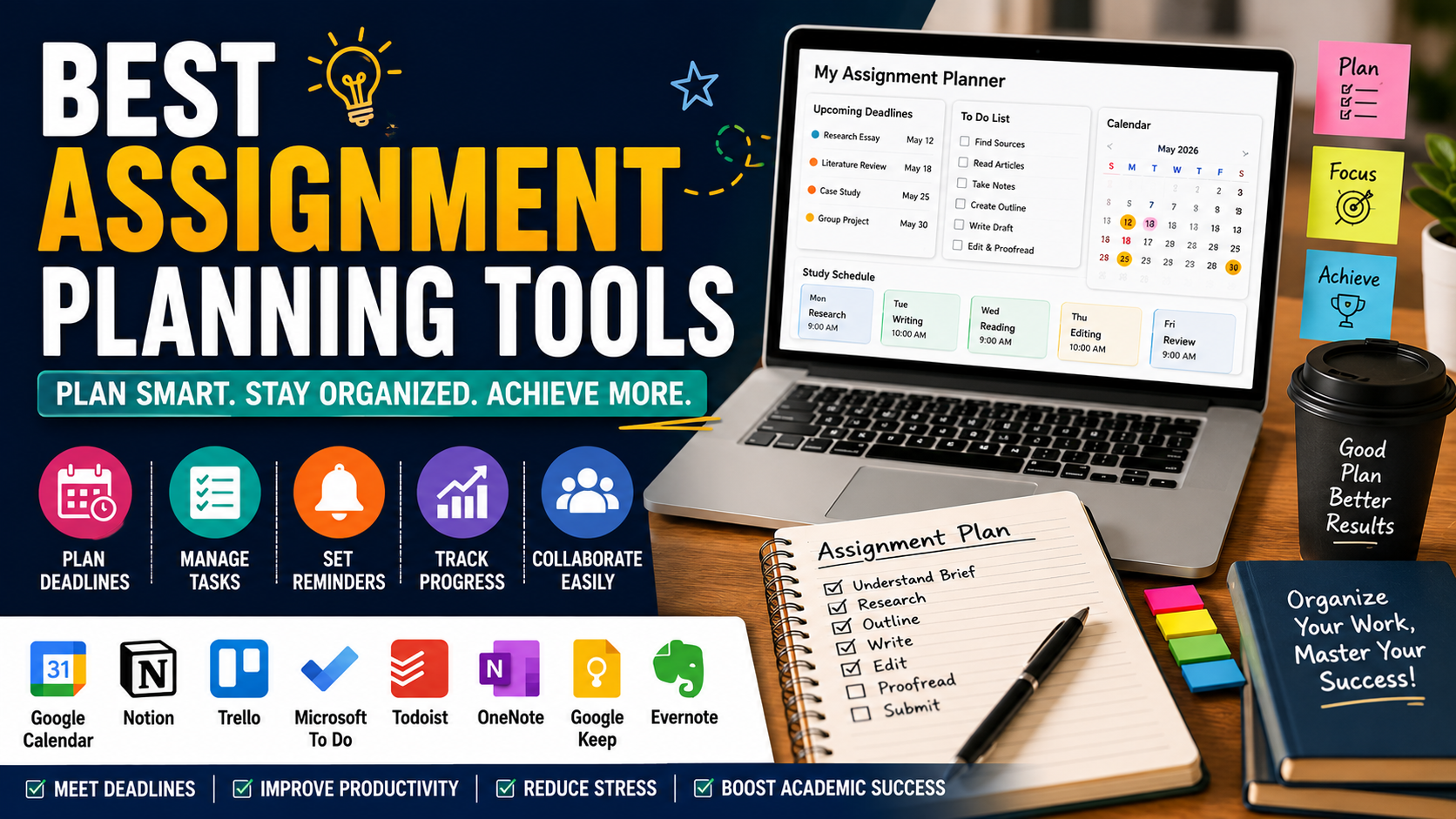
Many students struggle not because they lack knowledge, but because they underestimate the importance of planning. Missed deadlines, rushed writing, forgotten references, and incomplete research often result from poor organisation rather than academic ability.
Fortunately, today's students have access to a wide range of assignment planning tools. From digital calendars and project management apps to note-taking software and AI-assisted planning platforms, these tools can help you organise every stage of the assignment process.
This guide explores the best assignment planning tools, explains their strengths, and shows you how to choose the right solution for your study style and academic goals.
Why Assignment Planning Is Important
Assignments usually involve multiple stages, including:
Understanding the brief
Conducting research
Reading academic sources
Creating an outline
Writing the first draft
Editing
Proofreading
Referencing
Final submission
Without a clear plan, these tasks can quickly become overwhelming.
Effective planning helps you:
Meet deadlines consistently.
Reduce last-minute stress.
Improve assignment quality.
Manage multiple modules simultaneously.
Balance study with work and personal commitments.
Features of a Good Assignment Planning Tool
A useful planning tool should help you:
Organise deadlines
Create task lists
Set reminders
Track progress
Store notes
Collaborate when required
Access information across multiple devices
The best tool is the one that fits your personal study habits.
Google Calendar
Google Calendar is one of the simplest tools for managing assignment deadlines.
It allows students to:
Schedule study sessions
Set reminders
Colour-code modules
Plan revision periods
Track submission dates
Because it syncs across devices, students can access their schedules from anywhere.
Best for: Time management and deadline tracking.
Notion
Notion combines note-taking, project management, databases, and planning in one platform.
Students can create:
Assignment trackers
Research databases
Weekly planners
Reading lists
Dissertation dashboards
Its flexibility makes it popular among university students.
Best for: Comprehensive assignment management.
Trello
Trello uses a visual board system.
Students can create columns such as:
To Do
Research
Writing
Editing
Submitted
Moving tasks between stages provides a clear picture of progress.
Best for: Visual learners and project tracking.
Microsoft To Do
Microsoft To Do provides a straightforward task management system.
Features include:
Daily task lists
Reminders
Priorities
Recurring tasks
Synchronisation across devices
It works well for students who prefer simplicity.
Best for: Daily study planning.
Todoist
Todoist helps students organise assignments using projects, priorities, and deadlines.
Useful features include:
Labels
Filters
Productivity tracking
Deadline reminders
Task priorities
It is particularly useful for managing multiple assignments simultaneously.
Best for: Students with busy schedules.
Google Keep
Google Keep provides quick note-taking.
Students can:
Save ideas
Create checklists
Record reminders
Organise colour-coded notes
Its simple interface makes it ideal for capturing ideas while studying.
Best for: Quick notes and reminders.
Microsoft OneNote
OneNote functions as a digital notebook.
Students can organise:
Lecture notes
Research
Assignment ideas
Images
PDFs
Audio recordings
Everything remains searchable and organised.
Best for: Managing large amounts of study material.
Evernote
Evernote offers advanced note organisation.
Students can:
Save articles
Organise notebooks
Scan documents
Create research collections
It works particularly well for literature reviews.
Best for: Research organisation.
AI-Powered Planning Tools
Artificial intelligence can assist students by helping to:
Break assignments into smaller tasks
Create study schedules
Suggest research directions
Generate revision plans
Improve productivity
However, AI should support planning rather than replace independent academic work.
Students remain responsible for producing original assignments and following university academic integrity policies.
How to Choose the Right Planning Tool
Ask yourself:
Do I prefer visual planning?
Do I need reminders?
Do I work across multiple devices?
Do I collaborate with classmates?
Do I prefer digital or handwritten planning?
Different students have different needs.
Choose a tool you will actually use consistently.
Build an Assignment Workflow
Successful students often follow the same planning process.
Step 1
Read the assignment brief.
Step 2
Record the submission deadline.
Step 3
Break the assignment into smaller tasks.
Step 4
Schedule each task.
Step 5
Track weekly progress.
Step 6
Leave several days for editing.
Combine Multiple Tools
Many students use more than one planning tool.
Example workflow:
Google Calendar
→ Study timetable
Notion
→ Assignment management
Google Keep
→ Quick ideas
OneNote
→ Research notes
Using specialised tools together often produces better organisation.
Avoid Common Planning Mistakes
Common mistakes include:
Ignoring deadlines
Starting too late
Overloading one day
Forgetting proofreading
Not backing up files
Creating unrealistic schedules
Good planning remains flexible.
Weekly Planning Example
Monday
Research journal articles.
Tuesday
Read literature.
Wednesday
Prepare assignment outline.
Thursday
Write introduction.
Friday
Complete main body.
Saturday
Edit assignment.
Sunday
Proofread and submit.
Assignment Planning Checklist
Before beginning your assignment:
✓ Read assessment criteria
✓ Record submission deadline
✓ Gather research
✓ Create outline
✓ Schedule writing sessions
✓ Plan editing time
✓ Prepare references
✓ Back up your work
Final Thoughts
Assignment planning is one of the simplest yet most powerful ways to improve academic performance. The right planning tools help students organise deadlines, manage research, stay focused, and reduce the pressure of last-minute work. Whether you prefer a digital planner like Notion, a visual workflow in Trello, or a simple calendar with reminders, consistency is more important than the tool itself.
Remember that successful assignments are rarely completed in one sitting. They are the result of careful planning, steady progress, and regular review. By choosing planning tools that suit your learning style and using them consistently, you can improve productivity, reduce stress, and achieve better results throughout your university studies.
Frequently Asked Questions
Everything you need to know about our services
Related Posts

AI Tools That Help You Study Without Breaking University Rules (2026 Guide)

Best Note-Taking Apps in 2026: Organize Your Ideas, Notes, and Productivity
