Best Apps for Dissertation Writing (2026): 25 Essential Tools Every Student Should Know
Introduction
Writing a dissertation is one of the most demanding academic projects you'll complete at university. From choosing a research topic to conducting a literature review, managing references, analysing data, and proofreading your final draft, every stage requires careful planning and the right tools.
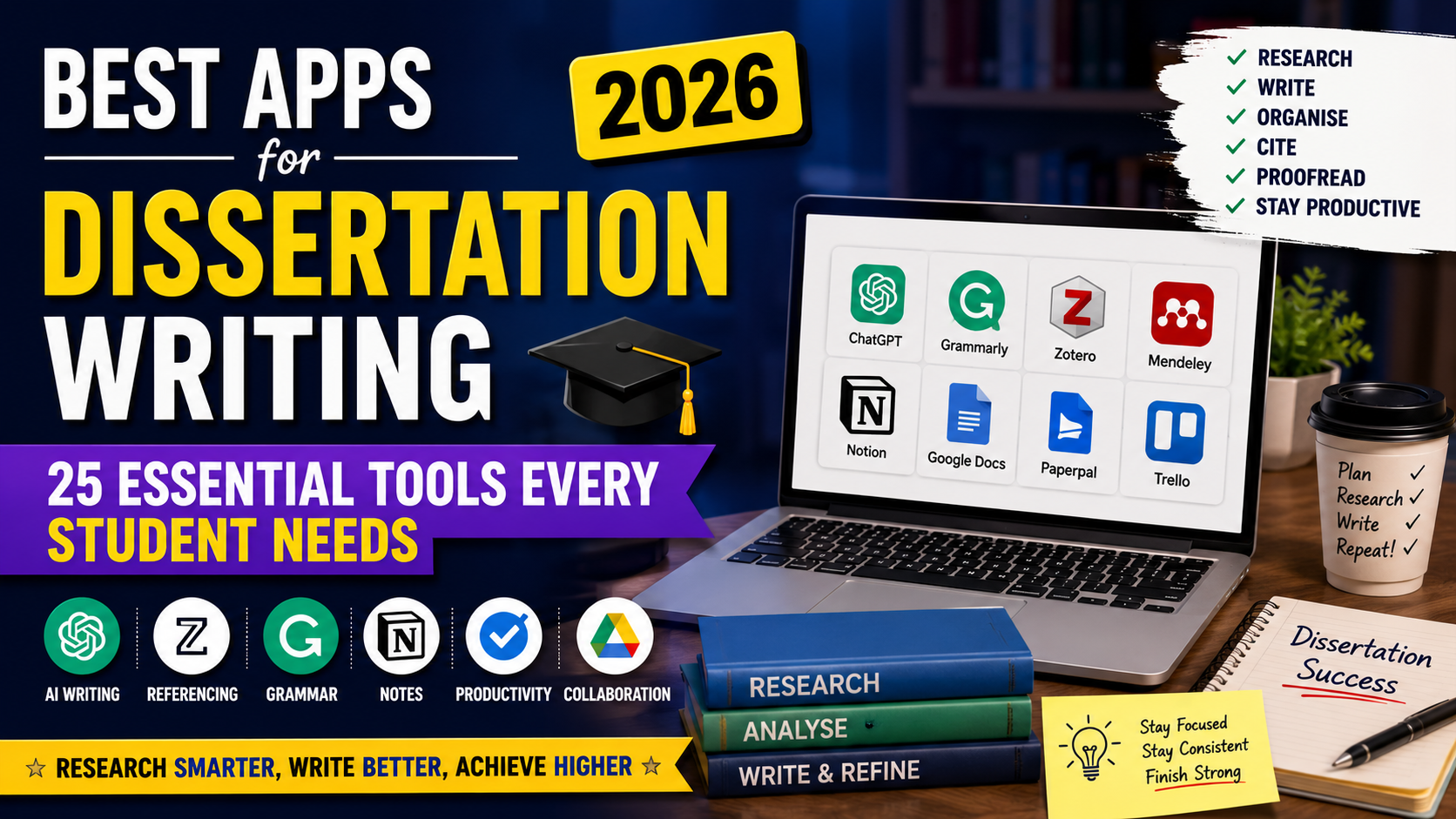
Fortunately, there are many apps designed to make dissertation writing more organised and efficient. Whether you're an undergraduate completing a final-year project, a master's student, or a PhD researcher, using the right apps can save time, improve accuracy, and reduce stress.
This guide explores the best dissertation writing apps in 2026, including AI-powered writing assistants, citation managers, note-taking tools, productivity apps, and research software.
Quick Comparison Table
App | Best For | Free Version | Platform |
|---|---|---|---|
ChatGPT | Brainstorming & explanations | Yes | Web, iOS, Android |
Grammarly | Grammar & proofreading | Yes | Web, Windows, Mac |
Paperpal | Academic editing | Limited | Web |
Zotero | Reference management | Yes | Windows, Mac, Linux |
Mendeley | Research library | Yes | Windows, Mac |
Notion | Dissertation planning | Yes | Web, Desktop, Mobile |
Google Docs | Collaborative writing | Yes | Web |
Microsoft Word | Final dissertation writing | Paid | Windows, Mac |
Scite | Citation analysis | Limited | Web |
Perplexity | Research assistance | Yes | Web, Mobile |
1. ChatGPT
Best for:
Brainstorming dissertation ideas
Explaining complex theories
Creating outlines
Simplifying academic concepts
Pros
Generates ideas quickly
Explains difficult topics
Helps overcome writer's block
Assists with planning chapters
Cons
Can produce inaccurate information
References should always be verified
Should not replace independent research
2. Grammarly
Grammarly checks grammar, spelling, punctuation, clarity, and writing style.
Best for
Proofreading
Improving readability
Correcting grammar mistakes
Academic tone suggestions
3. Paperpal
Paperpal focuses specifically on academic writing.
Features
Academic language suggestions
Journal-style writing recommendations
Citation assistance
Sentence improvements
Ideal for postgraduate students preparing dissertations or journal articles.
4. Zotero
Zotero is one of the most popular free reference management tools.
Features
Save journal articles
Generate citations
Organise research papers
Create bibliographies
Integrates with Microsoft Word
5. Mendeley
Mendeley combines reference management with PDF organisation.
Best for students managing hundreds of research papers.
6. Notion
Notion helps organise every stage of dissertation writing.
You can create:
Research databases
Weekly writing goals
Literature review notes
Supervisor meeting notes
Dissertation timeline
7. Google Docs
Google Docs is excellent for cloud-based writing and collaboration.
Benefits include:
Automatic saving
Easy sharing
Version history
Comments from supervisors
8. Microsoft Word
Microsoft Word remains the preferred software for formatting dissertations.
Useful features include:
Table of contents
Citation tools
Track changes
Heading styles
Page numbering
Cross-references
9. Scite
Scite helps students evaluate research quality by showing how academic papers have been cited.
It identifies whether studies have been:
Supported
Contradicted
Mentioned
10. Perplexity
Perplexity combines AI with cited web sources, making it useful for exploring unfamiliar topics.
Students should still verify all information using original academic sources.
11. Google Scholar
Google Scholar remains one of the easiest ways to discover scholarly literature.
Use it to find:
Journal articles
Books
Conference papers
Theses
Citations
12. Connected Papers
Connected Papers visualises relationships between research papers, making literature reviews easier.
13. Research Rabbit
Research Rabbit helps you discover related studies and build research collections.
14. Trello
Trello helps manage dissertation milestones using boards, lists, and task cards.
15. Todoist
Todoist is ideal for tracking deadlines, daily writing targets, and supervisor meetings.
16. Forest
Forest encourages focused study sessions by reducing phone distractions.
17. Pomofocus
Pomofocus uses the Pomodoro Technique to improve concentration during writing sessions.
18. Canva
Useful for creating:
Infographics
Research diagrams
Presentation slides
Dissertation posters
19. DeepL
DeepL assists international students with high-quality translations while preserving meaning.
20. Adobe Acrobat
Essential for reading, annotating, highlighting, and commenting on PDF journal articles.
21. EndNote
A premium reference manager commonly used by universities and researchers.
22. Obsidian
Perfect for linking research notes and building a connected knowledge base.
23. Evernote
Useful for collecting research ideas, web clippings, meeting notes, and reading summaries.
24. OneNote
Microsoft OneNote allows students to organise handwritten notes, lecture content, and research material.
25. Clockify
Clockify tracks how much time you spend researching, writing, editing, and proofreading.
Which Dissertation Apps Should You Choose?
If you're writing your first dissertation, this combination works well:
Purpose | Recommended App |
|---|---|
Writing | Microsoft Word |
Grammar | Grammarly |
AI Assistance | ChatGPT |
References | Zotero |
Research | Google Scholar |
Research Discovery | Research Rabbit |
Planning | Notion |
Productivity | Forest |
PDF Reading | Adobe Acrobat |
Project Management | Trello |
Tips for Using AI Responsibly
AI tools can support your dissertation by helping with brainstorming, outlining, summarising, and improving clarity. However:
Follow your university's AI policy.
Never submit AI-generated content as your own work.
Verify facts, quotations, and references independently.
Use AI to support learning rather than replace critical thinking.
Final Thoughts
The best dissertation writing app depends on your needs. No single tool can handle every aspect of the dissertation process, so combining several specialised apps often works best. For example, you might use Google Scholar to find research, Zotero to organise references, Notion to plan your project, Microsoft Word to write your chapters, Grammarly to proofread your draft, and ChatGPT to clarify difficult concepts or generate ideas responsibly.
Choosing the right tools can help you stay organised, write more efficiently, and produce a well-structured dissertation while maintaining academic integrity.
Frequently Asked Questions
Everything you need to know about our services


