Best Grammar Checkers for Academic Writing (2026 Complete Guide)
Introduction
Writing a high-quality academic assignment requires more than good ideas and strong research. Grammar, punctuation, spelling, sentence structure, and writing clarity all play an important role in how your work is assessed. Even well-researched assignments can lose marks if they contain frequent language errors or awkward writing.
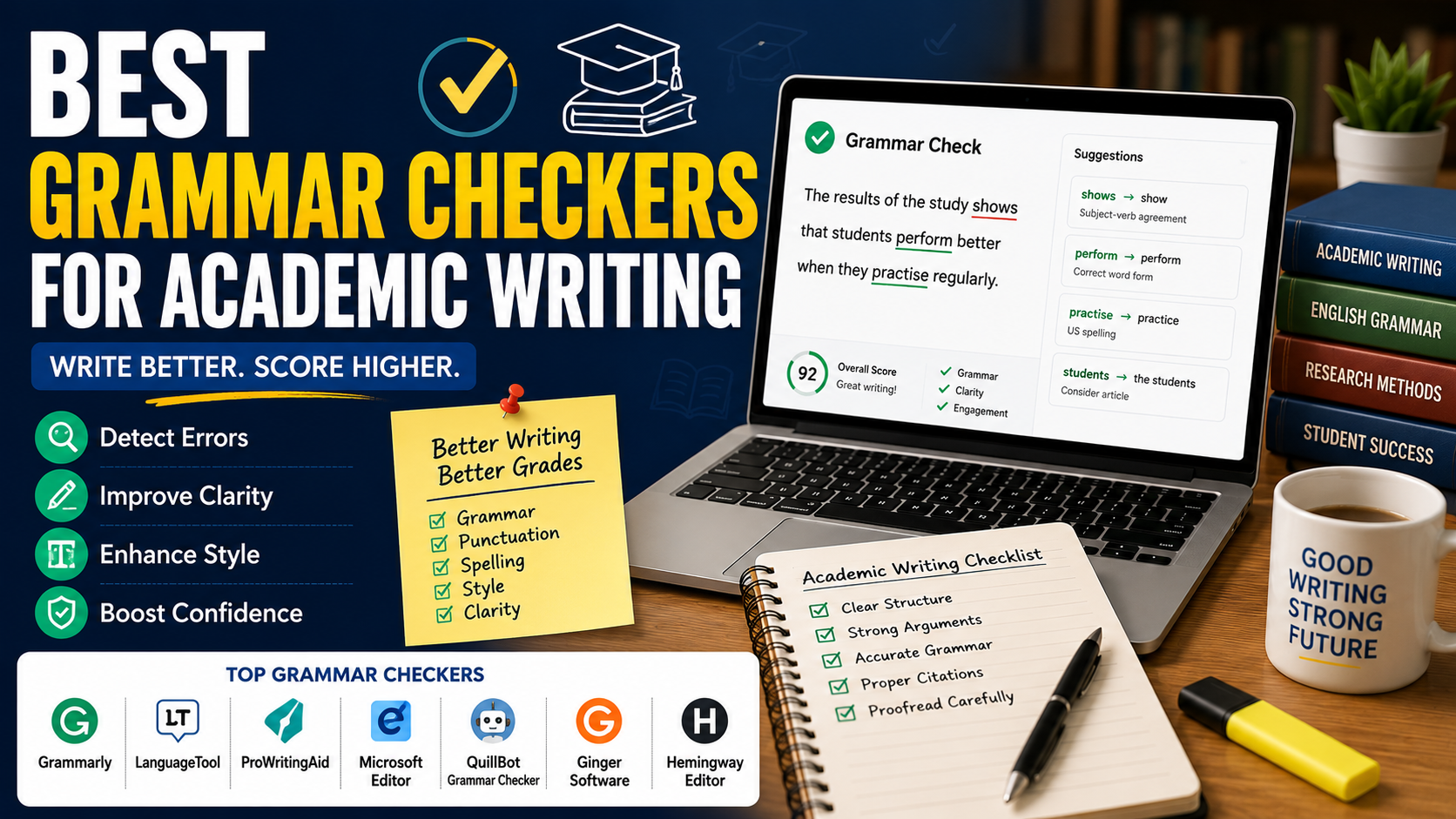
Fortunately, modern grammar checkers help students identify mistakes, improve readability, and produce more professional academic writing. Many tools now use artificial intelligence (AI) to analyse grammar, vocabulary, style, punctuation, and sentence structure while offering suggestions that make writing clearer and more concise.
This guide reviews the best grammar checkers for academic writing, compares their features, highlights their strengths and limitations, and explains how students can use them responsibly to improve assignments without compromising academic integrity.
Why Grammar Matters in Academic Writing
University assignments are expected to be:
Clear
Accurate
Formal
Logical
Grammatically correct
Poor grammar can:
Reduce clarity
Weaken arguments
Distract readers
Lower assignment grades
Create misunderstandings
Strong grammar allows your ideas to be communicated effectively.
What Makes a Good Grammar Checker?
A reliable grammar checker should:
Detect grammar mistakes
Correct spelling errors
Improve punctuation
Suggest better vocabulary
Enhance sentence clarity
Maintain academic tone
Integrate with common writing platforms
Protect user privacy
The best tools provide explanations rather than simply correcting mistakes.
Grammarly
Grammarly is one of the most widely used writing assistants among university students.
Key features include:
Grammar correction
Spelling checks
Punctuation suggestions
Style improvements
Clarity recommendations
Tone detection
Vocabulary enhancement
Its browser extension, Microsoft Word integration, and cloud editor make it highly convenient.
Best for: Overall academic writing improvement.
LanguageTool
LanguageTool supports multiple languages and provides detailed grammar suggestions.
Features include:
Grammar checking
Style improvements
Punctuation correction
Multilingual support
Browser extensions
Its free version is generous for everyday academic writing.
Best for: Multilingual students.
ProWritingAid
ProWritingAid offers advanced writing reports that go beyond grammar.
Students receive feedback on:
Sentence variety
Overused words
Readability
Style consistency
Grammar
Structure
Its detailed reports make it valuable for dissertations and research papers.
Best for: Advanced academic editing.
Microsoft Editor
Microsoft Editor is built directly into Microsoft Word and Microsoft 365.
It checks:
Grammar
Spelling
Punctuation
Clarity
Formality
Because many students already use Microsoft Word, Editor provides a convenient proofreading solution.
Best for: Everyday assignments.
QuillBot Grammar Checker
QuillBot combines grammar correction with paraphrasing and writing assistance.
Features include:
Grammar checking
Sentence correction
Writing suggestions
Easy interface
Students should review all suggestions carefully to ensure they preserve the intended meaning.
Best for: Quick proofreading.
Ginger Software
Ginger Software provides grammar correction alongside translation and sentence rephrasing tools.
Features include:
Grammar checking
Spell checking
Translation
Sentence rewriting
It is particularly useful for students writing in English as an additional language.
Best for: International students.
Hemingway Editor
Unlike traditional grammar checkers, Hemingway focuses on readability.
It highlights:
Long sentences
Passive voice
Complex wording
Adverbs
Difficult-to-read paragraphs
Although academic writing often requires technical language, improving readability can strengthen assignments.
Best for: Improving clarity.
AI Grammar Tools
Artificial intelligence has significantly improved grammar checking.
Modern AI tools can:
Identify complex sentence errors
Improve writing flow
Suggest concise wording
Detect inconsistent tone
Reduce repetition
However, students should remember that AI recommendations are suggestions—not automatic improvements.
Free vs Paid Grammar Checkers
Free versions generally include:
Grammar correction
Spell checking
Basic punctuation
Premium plans often provide:
Advanced grammar
Style analysis
Vocabulary suggestions
Clarity improvements
Plagiarism checking
Tone recommendations
Most undergraduate students can benefit from free versions before considering premium subscriptions.
Limitations of Grammar Checkers
Grammar tools are helpful but imperfect.
They may:
Misinterpret technical terminology
Change intended meaning
Overcorrect formal writing
Miss discipline-specific language
Students should always review every suggestion manually.
Common Grammar Mistakes Students Make
Frequent academic writing mistakes include:
Subject–verb disagreement
Incorrect punctuation
Comma splices
Sentence fragments
Run-on sentences
Inconsistent tense
Incorrect apostrophes
Repeated words
Informal language
Passive voice overuse
Grammar checkers help identify many of these issues.
Proofreading Workflow
Step 1
Complete your first draft.
Step 2
Take a short break.
Step 3
Run a grammar checker.
Step 4
Review every suggestion manually.
Step 5
Read the assignment aloud.
Step 6
Complete a final proofread before submission.
Best Practices
To improve academic writing:
Write first, edit later.
Use one grammar checker consistently.
Learn from repeated mistakes.
Keep your writing formal.
Proofread manually after using software.
Follow your university's academic writing guidelines.
Grammar software should support—not replace—your writing skills.
Final Thoughts
Grammar checkers have become valuable tools for students who want to improve the quality of their academic writing. They save time, reduce common language errors, and help produce assignments that are clearer, more professional, and easier to read. However, these tools work best when combined with careful proofreading, critical thinking, and a solid understanding of academic writing conventions.
Whether you choose Grammarly, LanguageTool, ProWritingAid, Microsoft Editor, or another trusted platform, remember that grammar software is designed to support your writing—not replace your own knowledge and judgement. By using these tools responsibly, you can strengthen your assignments, communicate your ideas more effectively, and submit academic work with greater confidence.
Frequently Asked Questions
Everything you need to know about our services

